
Unified Inbox for Vacation Rentals: The Inbox Test
It’s 11:47 PM.
One guest can’t get in. Another wants to confirm early check-in. A third is asking for the Wi-Fi—again—because they didn’t see the last message thread.
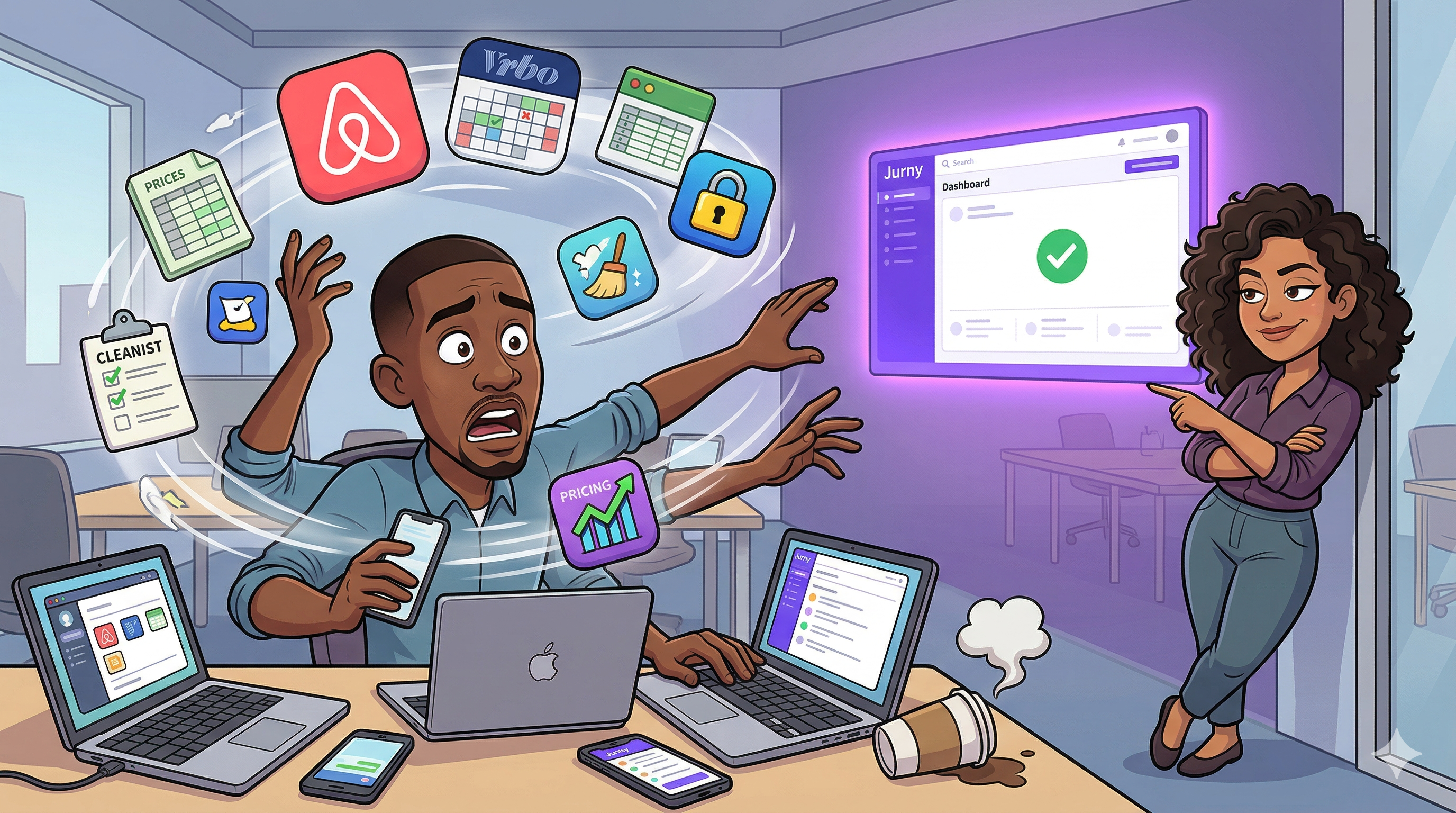
Two messages hit Airbnb. One came through Booking.com. Someone on your team replies from the wrong thread because the conversation moved channels. Nobody did anything “wrong.” This is just what happens when messaging is spread across inboxes, shifts, and devices.
And the cost shows up quietly: slower replies, duplicated work, missed context, and that creeping feeling that reviews are being decided in the gaps.
If you’re a scaling property manager, you’re not looking for “more messaging.” You’re looking for a system that makes guest communication feel controlled again.
This post gives you that system in one simple diagnostic: The Unified Inbox Test—a scorecard to see whether your operation can actually answer every guest in one place.
What is a unified inbox for property managers?
A unified inbox for property managers is a single workspace that consolidates guest conversations across channels (OTAs like Airbnb and Booking.com, plus SMS, WhatsApp, email, and more) so your team can respond, assign, track, and resolve issues without switching tabs or losing context.
But here’s the key: a real unified inbox isn’t just “messages in one view.”
A real Unified Inbox includes the operating mechanics your team needs to scale:
- Ownership (who’s responsible for this thread)
- Routing (urgent vs routine, property-based triage)
- Internal notes (context your team needs but guests shouldn’t see)
- Templates and automation (so you stop retyping the same answers)
- Escalation (when something needs a human now)
- Performance visibility (what’s unresolved, who’s behind, what’s trending)
If your inbox can’t do those things, it’s not a unified inbox. It’s just a nicer place to miss messages from.
The Unified Inbox Test
Answer Yes / No. Give yourself 1 point for each “Yes.”
Score 0–12. (You’ll know where you stand immediately.)
1) One place, every channel
Can you see and reply to guest messages from Airbnb + Booking.com + SMS/WhatsApp/email in one workspace?
2) Conversation ownership
Can you assign a thread to one teammate and see who owns it right now?
3) Internal notes and handoffs
Can your team leave internal notes inside the thread so the next shift doesn’t guess?
4) Property-aware context
Can your teammate instantly see the property context (which unit, which reservation, what stage of stay) without hunting?
5) Smart routing
Can messages be auto-categorized by urgency, topic, language, and property so emergencies don’t sit behind FAQs?
6) Escalation rules
Can the system flag unresolved or high-risk threads and escalate them to a human or workflow automatically?
7) Templates that adapt
Do you have snippets/templates that pull the right details (check-in time, parking, door code rules, house rules) without copy/paste errors?
8) Automation coverage
Can routine questions (Wi-Fi, parking, check-in instructions) be answered automatically with on-brand replies—without your team typing every time?
9) After-hours safety net
Do guests receive a fast, reassuring response after-hours with clear expectations—and do true emergencies still get escalated?
10) Quality control (tone consistency)
Can you keep messaging tone consistent across teammates so guests don’t feel the shift change?
11) Unresolved visibility
Can you see what’s currently unresolved (not just unread) so “handled” isn’t based on memory?
12) Performance analytics
Do you track response time, resolution time, and responsiveness so improvements aren’t guesswork?
Score interpretation
- 10–12: You’re operating like a real messaging department. Optimize, don’t overhaul.
- 7–9: You’re close—but you’re probably leaking time through routing and handoffs.
- 4–6: Messaging is costing you more than you think (and it scales poorly).
- 0–3: You’re doing heroics. The system isn’t built for your growth.
What breaks first as you scale
Even strong teams hit the same failure points once the volume rises.
The handoff gap
A guest asks about parking at 3 PM. A teammate replies at 9 PM without seeing context. The answer is “fine,” but it’s late and slightly off. Guests feel that. It reads like disorganization.
The duplicate-work tax
If your team answers “Where’s the Wi-Fi?” fifty times across channels, you don’t just lose time—you lose focus. The important messages get slower because the routine ones never stop.
The after-hours spiral
After-hours messages turn into a permanent low-grade anxiety: you can’t ignore guests, but you also can’t run a business that requires you to be awake forever.
The “everything is urgent” trap
Without routing, every message competes equally. Real access and safety issues get buried inside normal questions.
A unified inbox exists to prevent these exact outcomes.
What “real Unified Inbox capability” looks like
If your goal is “answer every guest in one place,” your inbox needs a few non-negotiables:
- Multi-channel aggregation so threads don’t split across apps
- Smart routing + tagging so urgent issues surface immediately
- Auto-escalation logic so the system knows when to hand off
- Team collaboration tools (assignment, internal notes, thread history)
- Templates/snippets that stay on-brand and reduce retyping
- Automation for routine questions so humans focus on edge cases
- Performance analytics so you can protect speed as you grow
That’s the standard your ICP is searching for, whether they phrase it as “unified inbox,” “guest messaging software,” or “how do we stop missing messages?”
Where Jurny’s Unified AI Inbox fits
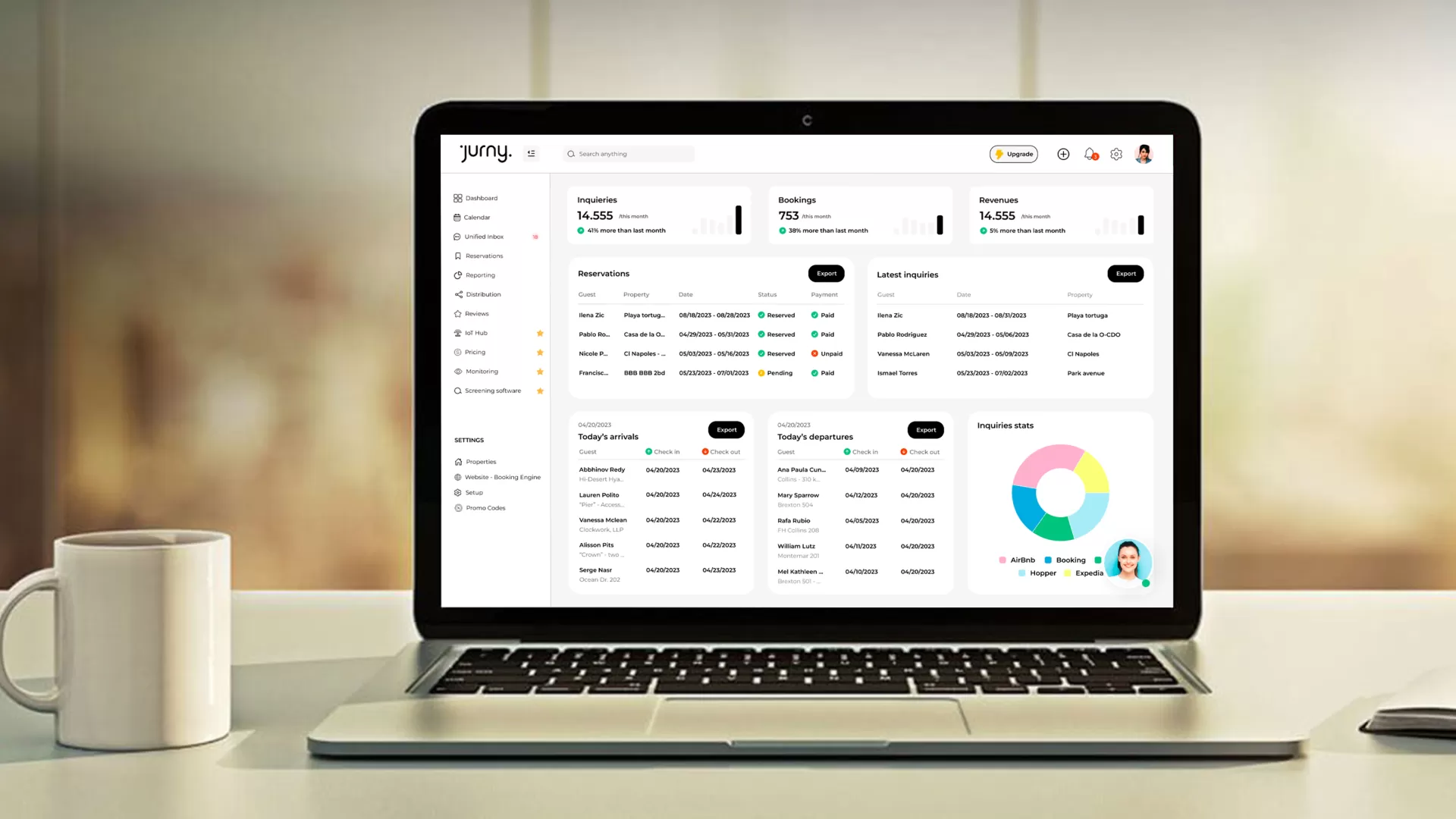
Jurny’s Unified AI Inbox is a centralized, AI-enhanced messaging hub powered by NIA’s Multi-Agent system that consolidates guest communications from Airbnb, Booking.com, SMS, WhatsApp, email, and more—so teams can respond faster, route intelligently, and avoid missed threads.
What makes it operationally useful (not just “nice UI”) is what it adds around the inbox:
- NIA-powered auto-replies for FAQs, check-ins, and routine questions
- Smart routing & tagging by urgency, topic, language, and property
- Auto-escalation for unresolved or urgent threads
- Team collaboration (assignments, internal notes, full history)
- Smart templates & AI-suggested replies based on context
- Inbox performance analytics (resolution time, sentiment, responsiveness)
- Hands-free support via NIA Co-Pilot (e.g., summarize unresolved threads, reply to last message)
And if you’re trying to reduce the repetitive load first: Jurny specifically positions that NIA’s Guest Agent can handle a high volume of routine questions automatically (often framed as “90% of guest questions”).
The point isn’t to “add AI.” It’s to turn guest messaging into a repeatable workflow that holds up at 50 units… and still holds up at 500.
The 15-minute stabilization plan
If your Unified Inbox Test score is low, don’t try to rebuild everything at once. Stabilize the biggest leak first: repetitive questions + urgent routing.
- List the top 10 repeat questions (Wi-Fi, parking, check-in, checkout, trash, pets)
- Create short, scannable templates (one screen, clear steps)
- Add routing rules:
- access issues → urgent
- safety/noise → urgent
- everything else → normal
- Define after-hours handling:
- immediate acknowledgment
- escalate only access/safety
- clear expectation for non-urgent replies
- Add one habit: review unresolved threads twice a day until the backlog disappears
This is how you stop messaging from expanding to fill the entire day.
Key takeaways
- A Unified Inbox is a system, not a view: ownership, routing, notes, templates, escalation, analytics.
- If you can’t answer every guest in one place, you’ll pay in response time, duplicated work, and missed context.
- The Unified Inbox Test shows exactly where your operation breaks as volume rises.
- Jurny’s Unified AI Inbox pairs multi-channel consolidation with NIA-powered automation and guardrails so guest messaging scales without adding headcount.
FAQs
What is a Unified Inbox for property managers?
A unified inbox consolidates guest messages from multiple channels into one workspace and adds team workflows—assignment, internal notes, routing, templates, escalation, and tracking—so nothing gets missed.
Do I need a Unified Inbox if I only manage Airbnb?
If you have multiple listings or multiple teammates, yes. The biggest gains come from ownership, templates, and visibility into what’s unresolved—even on a single channel.
How do I stop missing guest messages?
Use a Unified Inbox with clear ownership and routing. Every thread should have an owner, internal context, and escalation rules for urgent issues.
How can I automate guest replies without sounding robotic?
Automate facts (check-in, parking, Wi-Fi, checkout) using short templates with personalization. Use AI assistance to keep tone natural and escalate edge cases.
What should I automate first?
Start with the top repeat questions and time-based messages (pre-arrival, check-in day, checkout). That removes the most manual work fastest.
Run the Unified Inbox Test above with your team. If you scored under 7, you don’t need “better hustle”—you need a messaging system that can hold up under real volume. See Jurny’s Unified AI Inbox in action and watch how routing, templates, and NIA-powered automation turn guest communication into a controlled workflow—not a constant fire drill.
Ready to replace task-chasing with outcomes? Book a Demo.
Explore Jurny: